
Ugc
Account recovery workspace

At a glance
Key capabilities
What Ugc focuses on before you open the full module list.
Plus 6 additional modules in the operator portal—see the full list below.
Overview
UGC account appeal tools
How this build fits PvP, hardcore, and patch-day workflows.
The ultimate account recovery workspace—build custom appeal workflows, automate restriction disputes, and fast-track profile rebuilds when Steam or BattlEye flags your account.
UGC structures evidence and follow-ups; it does not guarantee restoration. Pair with HWID Spoofer when hardware is flagged, or a fresh account path when reputation is burned.
What UGC covers
UGC (Unban & Governance Control) is an appeal workspace for Steam account restrictions, BattlEye bans, trade holds and security flags. Build custom workflows, automate dispute steps and track case status from one dashboard—not a guaranteed unban service.
Realistic expectations
Some BattlEye bans cannot be reversed. UGC organizes evidence and follow-ups for server review. Pair with [HWID Spoofer](/products/dayz-cheats/hwid-spoofer/) when hardware is flagged, or a new account when reputation is burned.
Modules
What's included
Every module and overlay shipped with Ugc—toggle and tune in the operator portal.
- Custom appeal workflows
- Restriction dispute automation
- Case documentation templates
- Status tracking dashboard
- Identity verification guide
- Evidence upload structure
- Timeline tracker
- Follow-up response templates
- Multi-platform support
Experience
In the client · After you buy
Use the screenshots above for Ugc—below is what each layer means and how access works after checkout.
In-game layers
- Layer A
UGC account recovery
Appeal workflows and dispute automation for Steam and BattlEye cases.
Guides
Learn more about Ugc
Curated articles for setup, tuning, and patch-day checks that match this product.
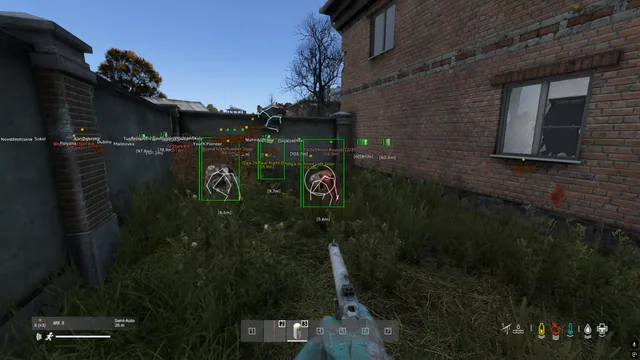
Fix verification errors, file integrity checks and when to use Account Recovery after BattlEye issues.
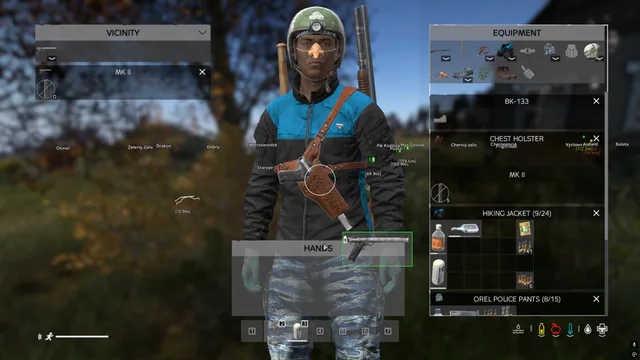
When to spoof hardware, when to start fresh, and how cheatsdayz.com/products/dayz-cheats fits each path.
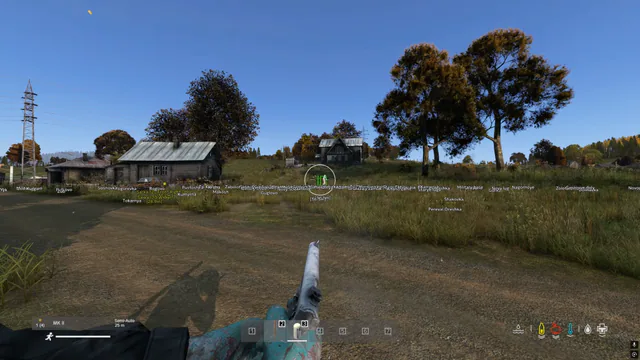
Step-by-step purchase walkthrough for Lite, Pro and Elite via our secure checkout.
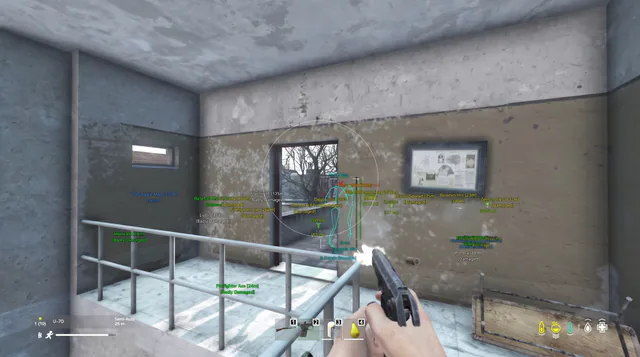
Use community and low-pop test servers to practice aimbot smoothness, ESP ranges and loadouts before PvP.
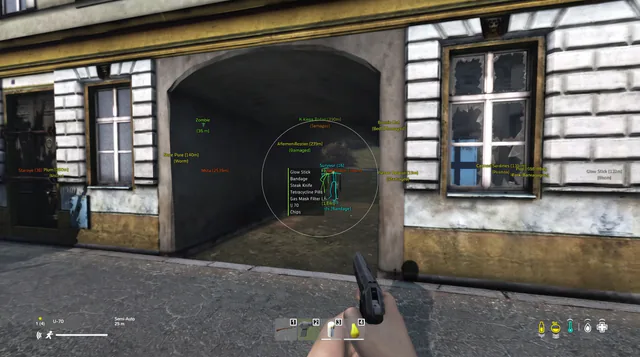
community and bot-lobby workflows to tune aimbot, ESP wallhack and loot ESP before PvP.
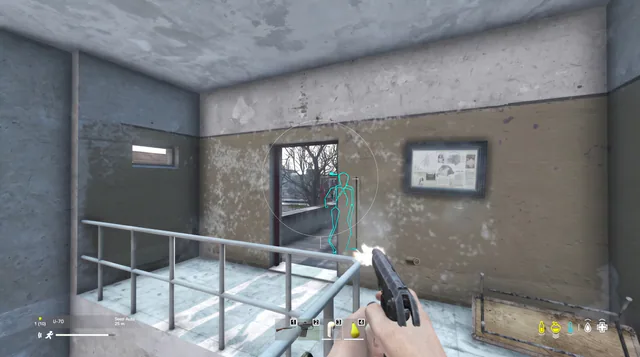
community vs PvP: how to test aimbot and ESP in practice islands before using private DayZ cheats.
Cheat FAQ
DayZ cheats questions
Straight answers on aimbot, ESP, bans and setup — see the full FAQ for every topic.